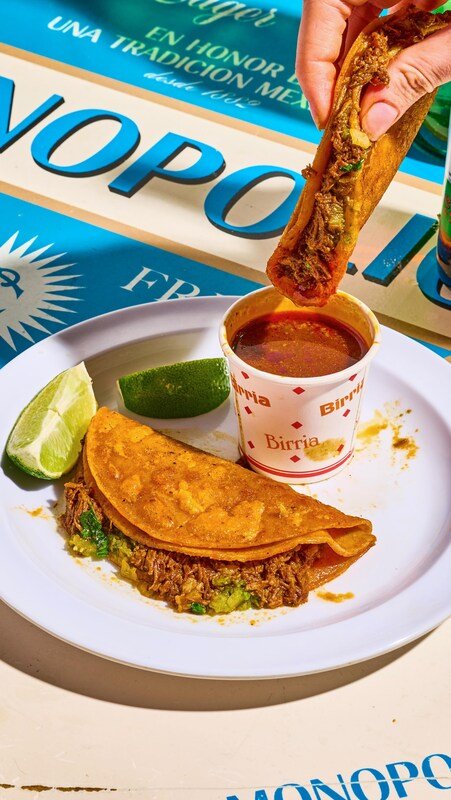
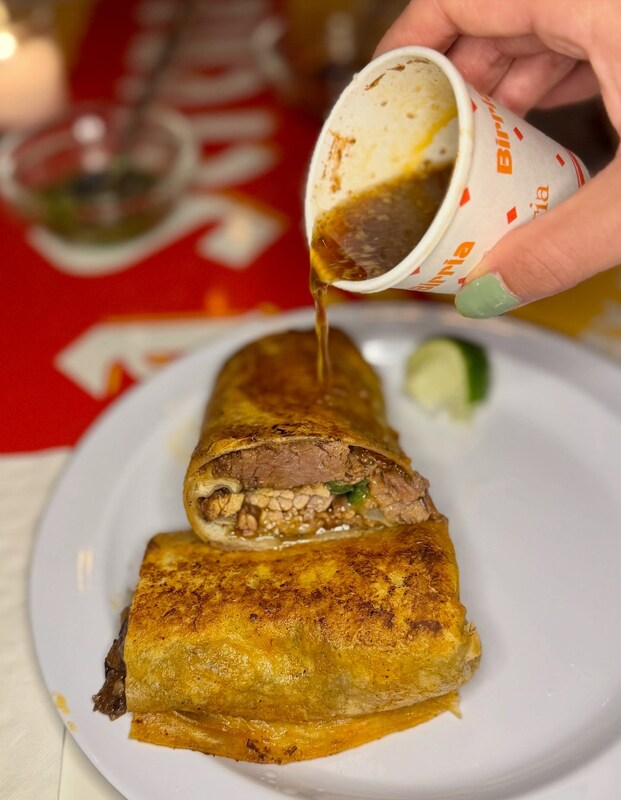
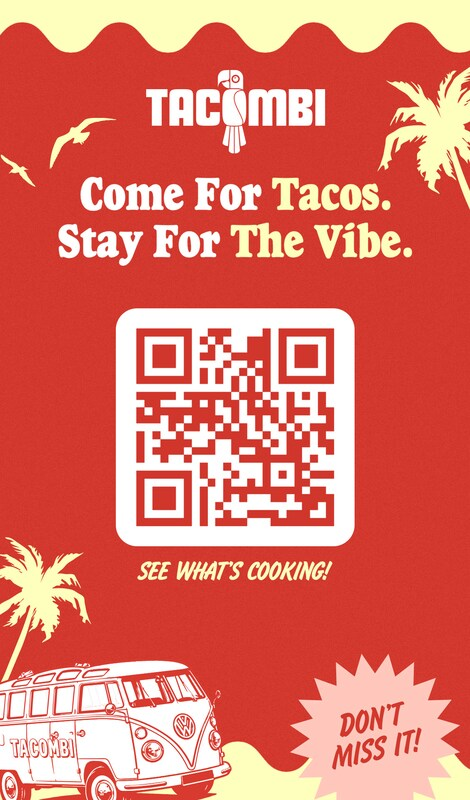
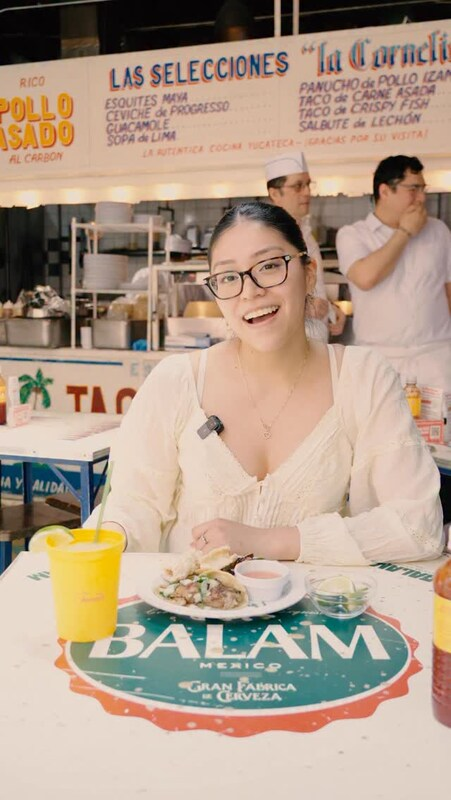
We used Magnific to generate the video and Claude to create the prompt. The video was produced using only reference photos from the company’s social media, with AI generating the scenes and animations.
While AI is not yet capable of consistently producing a complete, production-ready video without actual footage or manual adjustments, it can create videos using reference images.
Cost: We currently have a Magnific subscription for CA$240/year, which includes 122,000 credits. This video used 1,200 credits, equivalent to approximately CA$2.36 in credit value.
AI Prompt:
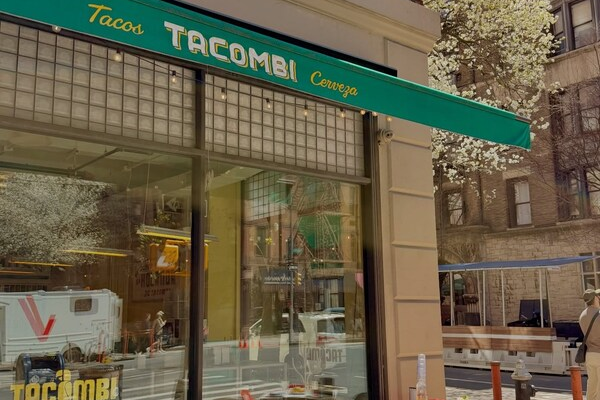
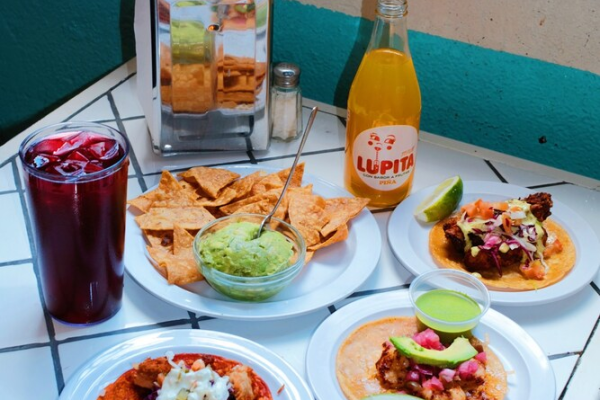
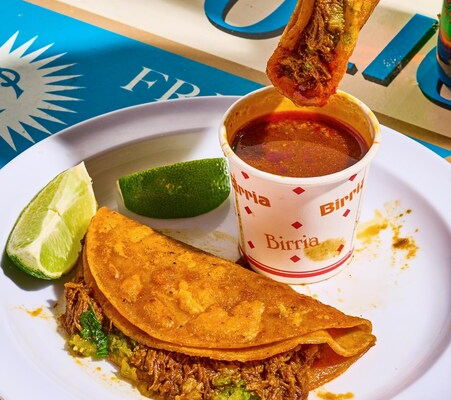
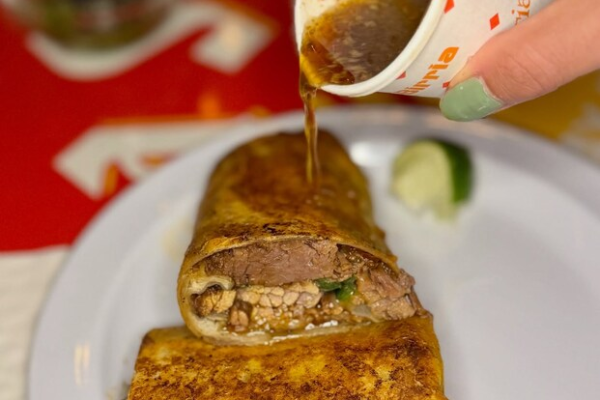
A warm, vibrant 15-second brand video for Tacombi, a lively New York taqueria. Cinematic natural light, shallow depth of field, rich appetizing color, smooth camera movement, upbeat and inviting mood. Match the signage, food, and branding in the reference images exactly.
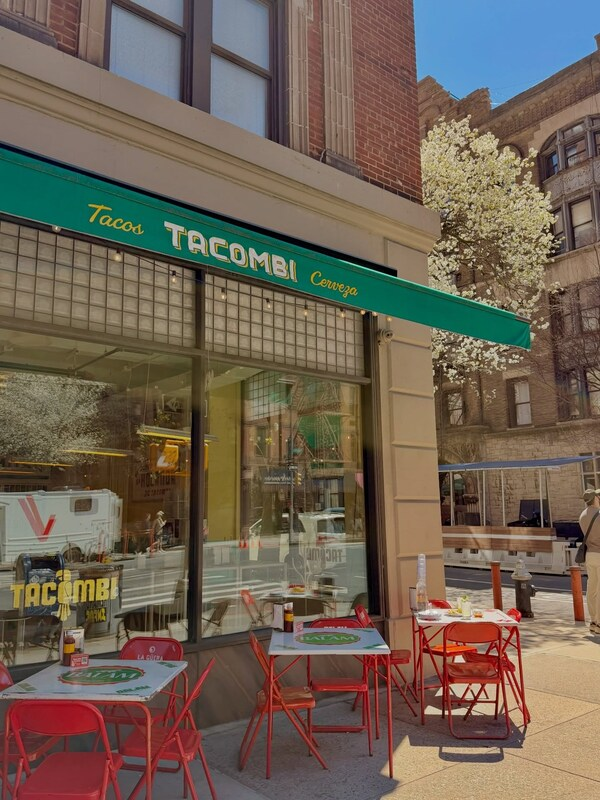
Shot 1: Tacombi storefront exterior. A woman walks along the sidewalk toward the entrance, slows down, and looks up at the sign with a curious, delighted expression. Slow dolly-in, golden daylight.
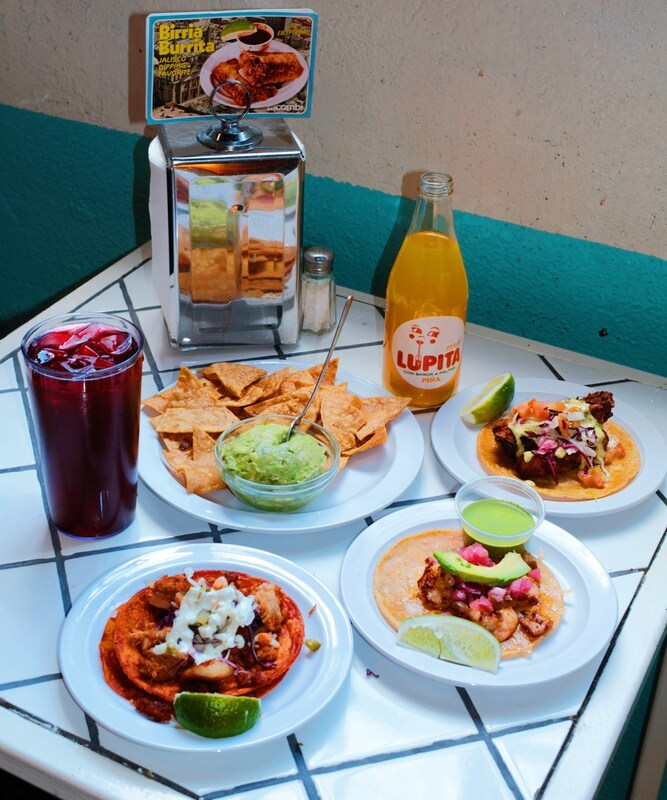
Shot 2: Overhead, slightly angled view of a table filled with Tacombi dishes. A hand places one more dish onto the table as steam rises. Slow push-in, warm bright tones.
Shot 3: Tight macro slow-motion close-ups. A taco is dipped into a rich sauce, then sauce is poured slowly over a dish. Glossy textures, drips catching the light.
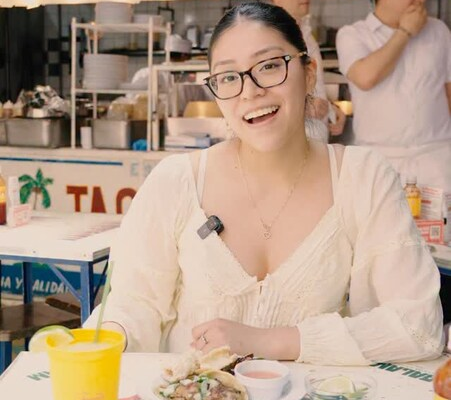
Shot 4: The woman sits at the table, lifts a taco, takes a big bite, and breaks into a genuine smile. Medium close-up, soft warm light, gentle camera drift.
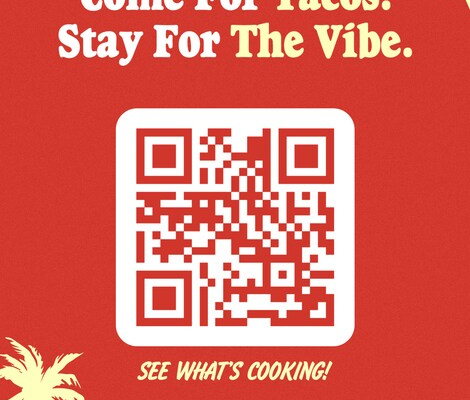
Shot 5: End card. The QR code stays centered, sharp, and perfectly still. The surrounding brand elements and graphics animate around it with smooth looping motion, floating, rotating, and pulsing, without covering the code. Clean, bold, on-brand colors.
Avoid: distorted or misspelled text, warped logo, blurry or morphing QR code, extra fingers, unnatural faces, flickering, harsh shadows, cluttered background.
Images Used to generate the video:
Empire State Building
The existing platform listing uses a minimal design, so extracting the required assets in Photoshop was relatively quick. The assets were uploaded to Magnific with the prompt: “Make minimal movements in the city like clouds moving, the river flowing, and birds passing by. Towards the end of the video, slide in the QR code.”
Asset extraction and video generation took approximately 30 minutes.
New York Yankees
Since the Yankees had multiple existing video assets available online, the video was edited manually in Adobe Premiere. The runtime was shortened and the orientation was adjusted to meet the required dimensions.
Testing the existing assets through a video generator did not produce a result that met the requirements. Reviewing, editing, and exporting the final video took approximately 1 hour and 30 minutes.
Tacombi
The current main image on the platform is very simple and does not provide much visual representation of the business, so a new version was created in Photoshop using imagery sourced from the Tacombi website.
The assets were then uploaded to Magnific with the prompt: “Make the background animated except the logo and text. Make the food in the middle jump in one by one until all of them are in the frame. Then end the frame with the QR code.”
Creating the design, sourcing the images, processing the assets, and generating the final video took approximately 3 hours. As the first video produced in the batch, it also required several generation attempts before achieving an accurate result.
Dim Sum Palace
All available assets were extracted from the live listing in Photoshop and uploaded to the Magnific video generator with the prompt: “Make the background animated except the logo and text. Make all the food slide like a carousel to be featured in the center. After all of the food is featured, end the frame with the QR code.”
The full process, including asset extraction, Magnific processing, and video generation, took approximately 45 minutes.
Big Bus Tours
Since the required assets were already available, the individual elements were extracted in Photoshop and uploaded to Magnific with the prompt: “Make the polaroids fall one by one to show the photos on them, make the lines slowly fill up in the video, and show the QR code at the end.”
Asset extraction, Magnific processing, and video generation took approximately 40 minutes.